
Real-Time Food Cost Tracking Tools for Restaurants (Free Tool + Template)

Updated: Sep 11
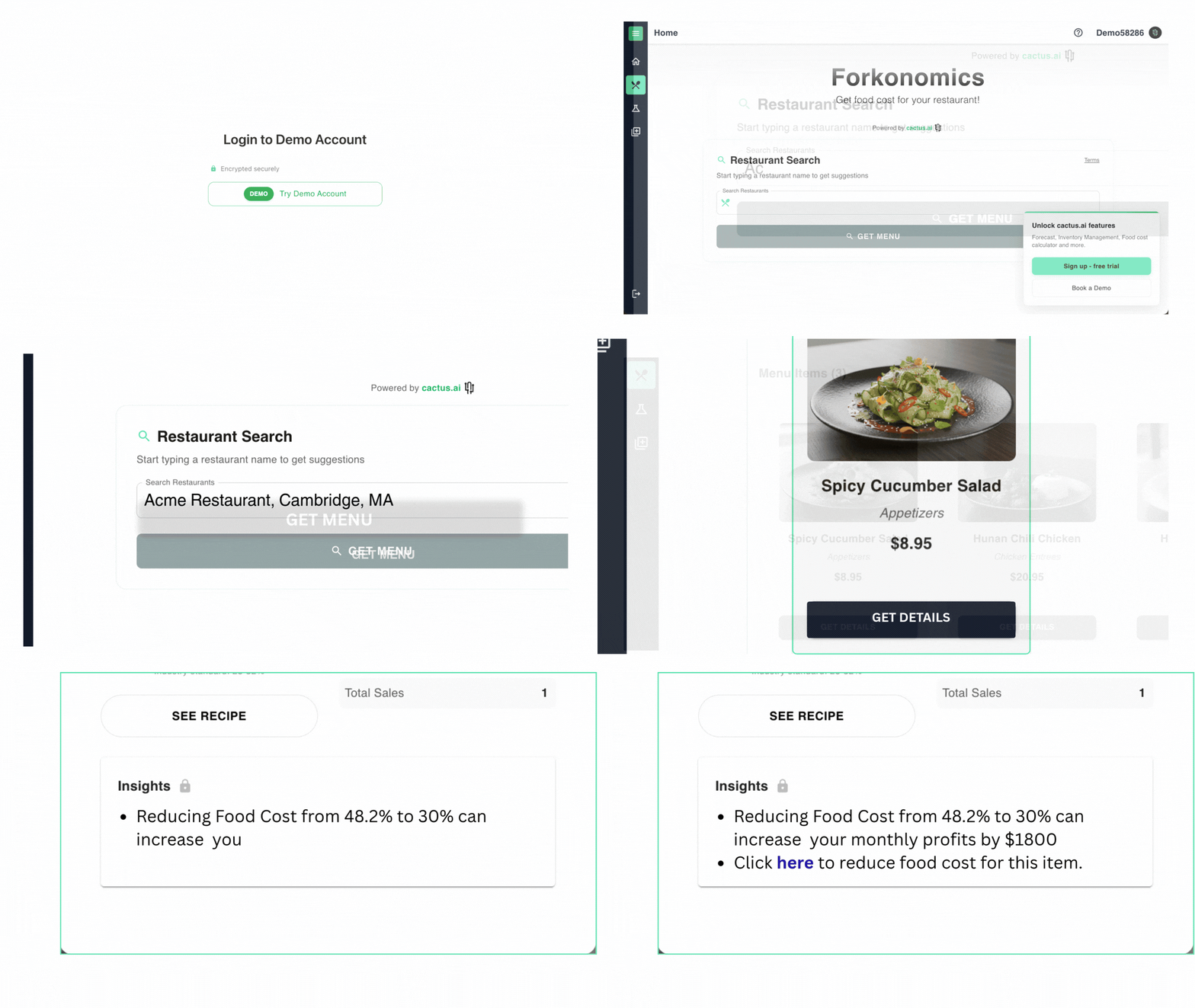
Food Cost Tracking Tools for Restaurants
Real-time food cost tracking tools fall into three categories: spreadsheet templates (free, manual, best for very small or single-location operations), standalone food cost calculators (fast, one-off snapshots of your margins), and full food cost management platforms like Cactus (automated, continuously updated, and built to scale as your restaurant grows).
What actually makes a tool "real-time" is three things working together: automated invoice capture (so prices update the moment a delivery arrives), live recipe costing (so every dish's cost recalculates automatically), and rolling average pricing (so you're tracking true cost trends, not just your last invoice). If a tool is missing any of these, it's not really real-time - it's just a nicer-looking spreadsheet.
What to Look for in a Real-Time Food Cost Tracking Tool
Before comparing specific tools, it helps to know what "real-time" should actually include. Look for:
Automated invoice scanning - no manual data entry every time a distributor delivery arrives
Live recipe and plate costing - the cost of every dish updates automatically when ingredient prices change
Rolling average cost - tracks cost trends across purchases, not just the most recent invoice, so you catch price creep early
Inventory sync - compares theoretical usage (what you should have used) against actual usage (what you did use)
Multi-vendor price comparison - flags which supplier has the best price on a given item
Multi-location visibility - one dashboard across all your sites, if you operate more than one
Alerts - notifications when a price jumps or an item drops below par level
If a tool checks most of these boxes, it will genuinely save you from the "surprise" cost overruns that usually only show up when you're already looking at last month's P&L.
The 3 Types of Tools, Compared
Type | Cost | Effort | Best for |
Spreadsheet template | Free | Manual entry required | Single-location, low-volume operations just getting started |
Free / low cost | Minimal, but limited depth | A quick gut-check on a few menu items | |
Full platform (e.g., Cactus) | Paid, scales with features | Low - mostly automated | Restaurants that want ongoing, accurate, real-time tracking without the manual work |
If you're just getting started, a spreadsheet is a completely reasonable place to begin. Cactus offers a free downloadable food cost Excel template - you enter ingredient costs and quantities, and it calculates your true profit margins for you. It's a good way to understand the mechanics of food costing before deciding whether you need something more automated.
The limitation of any spreadsheet, even a well-built one, is that it only reflects what you manually type in. Prices change with every delivery, and if updating the sheet is one more task competing for a manager's time, it quickly falls out of date - which defeats the purpose of "real-time."
Why Real-Time Tracking Actually Matters
Monthly costing catches problems too late. If you only calculate food cost once a month, a supplier price hike or a portioning issue can quietly eat your margin for weeks before you notice.
Ingredient prices are volatile. Produce, proteins, and dairy prices can shift week to week. Without a system tracking this continuously, your menu pricing can fall out of sync with your actual costs.
Waste and portion drift show up faster in live data. Comparing theoretical vs. actual usage in real time makes it much easier to catch over-portioning, spoilage, or shrinkage before it becomes a pattern.
It directly informs menu pricing. Knowing your true, current cost per dish - not last quarter's - is what lets you price (or re-price) menu items with confidence instead of guesswork.
How Cactus Delivers Real-Time Food Cost Tracking
Cactus is built specifically to solve the gap that spreadsheets leave open - automating the parts of food cost tracking that are normally manual and easy to neglect. A few of the core features:
Automated invoice processing Cactus reads invoices from all major U.S. food distributors, including Sysco, US Foods, Gordon Food Service, Performance Food Group, Restaurant Depot, and Ben E Keith, so prices update without manual entry.
Rolling average cost - instead of only reflecting your most recent invoice, Cactus tracks cost trends across your purchase history, helping you spot price creep before it quietly erodes your margins.
Best-price tracking - automatically compares unit prices across your vendors and flags which supplier is currently cheapest for a given item.
Recipe and house-made item costing - build recipes (including house-made items like sauces or salsa) with costs that automatically update whenever an ingredient price changes, so you always know your true per-plate cost.
Usage and waste tracking - compares theoretical vs. actual ingredient usage and lets you log waste with reasons, so you can spot recurring issues.
Multi-location visibility — for multi-unit operators, a single dashboard shows inventory and costs across every location, with the ability to transfer stock between sites.
Cactus plans start at $49/month per location for single-location restaurants (including invoice tracking, food cost tracking, recipe management, and inventory management), with a Growth plan for multi-location operators that adds sales/inventory forecasting and other features. There's no long-term commitment required.
Quick FAQ
What is a good food cost percentage? Most full-service restaurants target somewhere between 28–35% of revenue, though this varies by concept - quick-service and pizza operations often run lower, while high-end or protein-heavy menus run higher.
How often should I calculate food cost? Ideally continuously, or at minimum weekly. Monthly-only tracking tends to catch problems well after they've already impacted your margin.
Can I track food cost in Excel? Yes - a well-built spreadsheet, like Cactus's free template, works fine for a single location with manageable volume. The tradeoff is that it requires manual updates every time prices or recipes change, so it can fall behind as your operation grows.
What's the difference between theoretical and actual food cost? Theoretical food cost is what your cost should be based on your recipes and sales. Actual food cost is what you really spent, based on inventory and purchases. The gap between the two usually points to waste, over-portioning, theft, or pricing errors.
The Bottom Line
If you're just starting to take food cost seriously, download the free template and get comfortable with the numbers. Once manual updates start eating into your week - or once price creep starts outpacing what you can track by hand - a real-time platform like Cactus is built to take that work off your plate and keep your margins visible every day, not just at month-end.
DISCLAIMER: This information is provided for general informational purposes only, and publication does not constitute an endorsement. Cactus does not warrant the accuracy or completeness of any information, text, graphics, links, or other items contained within this content. Cactus does not guarantee you will achieve any specific results if you follow any advice herein. It may be advisable for you to consult with a professional such as a lawyer, accountant, or business advisor for advice specific to your situation.

